How I Automated 10 Hours of Weekly Freelance Admin Work (Step by Step)
10 min read · Updated June 2026 · ProductiviTools


Audit your repetitive tasks, then automate client intake, invoicing, and tool connections one step at a time. Zapier is the easiest starting point for most freelancers. Don’t try to automate everything at once – pick one workflow, make it reliable, then move on.
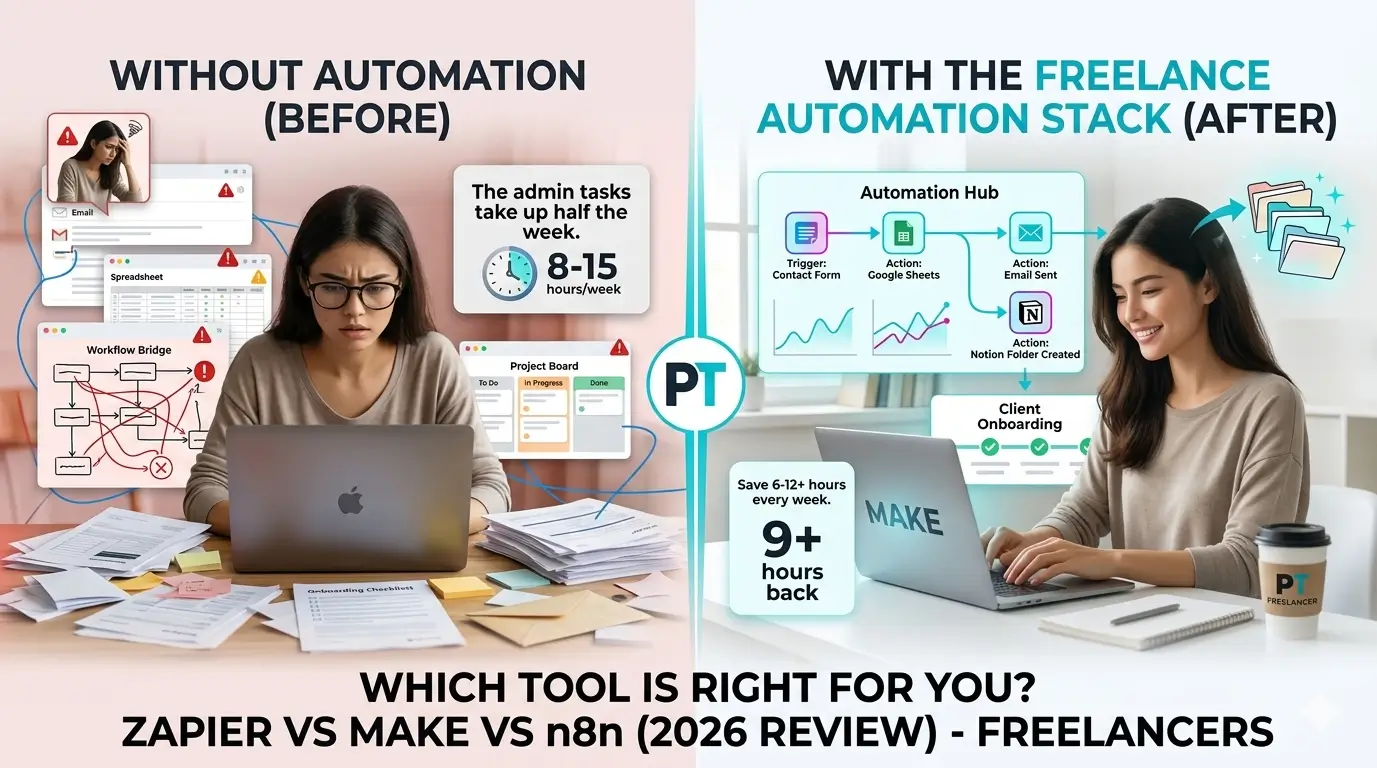
If you’re a freelancer, there’s a good chance you spend more time on admin than on actual work. Sending the same onboarding email for the fifth time. Chasing a client about an invoice. Manually copying a form submission into your project tracker. It adds up fast – most freelancers lose at least 10 hours a week to tasks like these.
This guide will show you exactly how to stop that. You’ll learn what freelance automation actually means in practice, how to find the right tasks to automate first, and which tools are worth your time. By the end, you’ll have a clear plan to get your first automation running – and it won’t require a tech background to pull off.
What automation actually means for freelancers
Knowing how to automate freelance business tasks is one of the highest-leverage skills you can develop. This guide explains how to automate freelance business workflows using tools that are affordable and beginner-friendly — so you can spend more time on client work and less on admin.
Automation gets thrown around a lot, so let’s be clear about what it means here. It’s not AI replacing your work. It’s not complicated code. It’s just this: when X happens, do Y automatically. A new inquiry comes in – send a welcome email. A project milestone is marked complete – send the invoice. Simple chains that run without you touching them.
What it isn’t: automation won’t write your proposals, handle tricky client conversations, or do your creative work. The freelancers who get burned out on it usually tried to automate the wrong things. The goal is to handle the boring, repetitive stuff so you can focus on the work that actually requires you.
The numbers make the case pretty clearly. Eleven hours a week is not small – that’s more than a full working day. And at $75 an hour, those hours cost you around $800 every single week. Automation won’t instantly fix all of that, but even recovering three or four hours makes a real difference to your output and your sanity.
How to automate freelance business tasks step by step
Most guides on this topic skip straight to recommending tools. That’s backwards. Before you touch a single app, you need to understand your own workflow. Here’s how to do it in four steps.
Audit what you’re doing manually
For one full week, write down every repetitive task you do that doesn’t require real thinking. Not “write the proposal” – that takes judgment. More like “copy client details into a spreadsheet” or “send the project kickoff email.” Keep a running list in a notes app or on paper – whichever you’ll actually use.
Why this matters: you can’t automate what you haven’t identified. Most freelancers think they only do a few manual tasks until they actually start listing them, and the list gets embarrassingly long. Seeing it written out is the motivation to actually change it.
After your week of tracking, highlight the three tasks that eat the most time or happen most often. Start with just one. Get it working properly before you move to the next.
Automate client intake
Client intake is one of the highest-leverage things you can automate. The basic setup looks like this: a prospect fills out a form, they get an automatic welcome email, and a calendar link lets them book a call without any back-and-forth. You only step in once they’re booked.
Why it matters: leads go cold fast. If someone contacts you on a Friday evening and you don’t respond until Monday, there’s a good chance they’ve moved on. An instant automated response keeps them warm until you can follow up personally.
The mistake to avoid: don’t make your intake form a 20-question survey. Ask only what you genuinely need – project type, timeline, budget range, and contact info. Anything more and people drop off before hitting submit.
Automate invoicing and follow-ups
Chasing payments is one of the most demoralizing parts of freelancing. You finished the work, you did a great job, and now you’re awkwardly following up for money that’s already owed. Automation removes the awkwardness completely.
Set your invoicing tool to send the invoice automatically when a project milestone is marked complete. Then add a payment reminder that fires automatically seven days later if the invoice is still unpaid. Neither of these requires you to do anything – they just happen.
The mistake here is sending invoices “when you remember.” That gap – between finishing the work and sending the bill – is where money gets delayed. Automate it so there’s no gap at all.
Connect your tools with one trigger
Once you’ve tackled intake and invoicing, the next move is connecting your tools so they talk to each other. A new project gets created in Notion, a folder appears in Google Drive, a task shows up in your project manager – all from one trigger. This is where automation gets genuinely powerful.
The key is picking one automation tool and committing to it. Jumping between Zapier, Make, and n8n at the same time is a fast way to waste hours and end up with nothing working reliably. Pick one, learn it properly, and build from there.
Don’t build 20 automations on day one. Build one. Make it work. Then add the next. The freelancers who actually stick with automation are the ones who started small and grew slowly.
For most freelancers, the right starting trigger is “new client signed.” Everything flows from that – folder creation, project setup, welcome email, first invoice schedule. Get that one chain working and you’ll feel the impact immediately.
The tools that make this happen
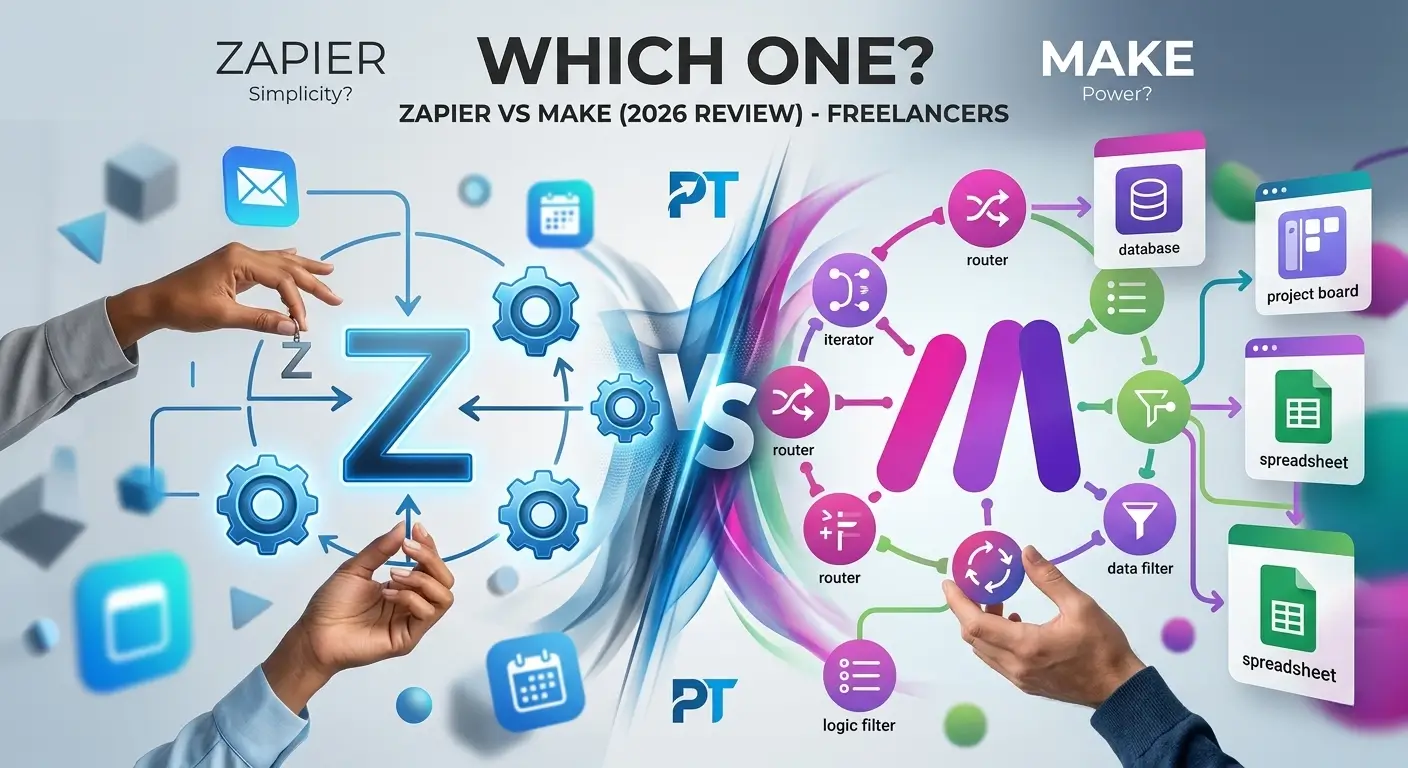
There are three tools worth knowing about for freelance automation: Zapier, Make, and n8n. They all connect your apps and trigger actions automatically, but they’re aimed at different types of users. Here’s an honest look at each.
| Tool | Best for | Free plan | Learning curve |
|---|---|---|---|
| Zapier Best for beginners | Simple, fast setup – connects 7,000+ apps | 100 tasks/month | Very low – visual, drag-and-drop |
| Make Best for power users | Complex multi-step workflows, better value at scale | 1,000 ops/month | Medium – visual but more technical |
| n8n Self-hosted | Full control, no usage limits if self-hosted | Self-hosted free | High – needs technical comfort |
Zapier is the easiest starting point by a wide margin. It connects over 7,000 apps and you can build a working automation in under 10 minutes without any prior experience. The downside is cost – once you go beyond basic workflows, the pricing jumps quickly. You can read a full Zapier review to see if it fits your budget.
Make (formerly Integromat) gives you more control over complex workflows and is significantly cheaper at higher volumes. The interface is more visual – you build flows as actual diagrams – which some people love and others find confusing at first. If you’re comfortable spending a few hours learning it, Make often becomes the better long-term choice. There’s a full Make review that covers pricing in detail.
n8n is for freelancers with a technical background who want full ownership of their automations. If you’re self-hosting it, there are no per-task costs, which makes it extremely cheap at scale. But setting it up requires comfort with servers and code. Not the right first tool for most people.
If you want a deeper breakdown of the two main options, the Zapier vs Make comparison covers the differences in more detail – including which one makes more sense at different stages of your freelance business.
Start with Zapier if…
You want something working today with zero frustration. You’re new to automation, your workflows are straightforward, and you’d rather pay a bit more for something that just works.
Recommended for beginners
Start with Make if…
You have more complex workflows, you want better value at higher volumes, or you’re willing to spend an afternoon learning a slightly steeper tool in exchange for more flexibility.
Recommended for power users
For most freelancers just getting started, the honest recommendation is Zapier for your first one or two automations, then reassess once you know what you actually need. You can always switch later. Check out the best automation tools for freelancers for a broader list including invoicing and CRM options.
The best way to automate freelance business operations is with tools like Zapier. When you automate freelance business workflows, you save time and avoid manual errors. Most freelancers who automate freelance business tasks report saving 5+ hours per week.
Frequently asked questions
Why should freelancers learn how to automate freelance business tasks?
When you learn how to automate freelance business operations, you stop wasting time on repetitive admin work. Freelancers who know how to automate freelance business typically save 5–10 hours per week, which they reinvest into higher-paying projects.
What are the first steps to how to automate freelance business workflows?
The first step to how to automate freelance business is to list your most repetitive tasks. Then pick one tool — Zapier, Make, or HoneyBook — and how to automate freelance business that one task first before scaling up.
What is the easiest way to automate freelance business tasks?
The easiest way to automate freelance business tasks is to start with Zapier or Make. These tools let you automate freelance business workflows like invoicing, follow-ups, and social posting without any coding.
How much does it cost to automate freelance business operations?
You can automate freelance business basics for free using Zapier’s free plan or Make’s free tier. As you automate freelance business more deeply, paid plans start around $20/month.
Where to go from here
Freelance automation doesn’t have to be complicated. Audit your repetitive tasks, start with client intake, then tackle invoicing. Once those two are running reliably, connect everything with a single trigger and watch your admin time shrink.
The tools exist, the setup isn’t hard, and the payoff is real – both in time and in the mental energy you stop wasting on stuff that should just happen automatically. The only mistake is waiting until you’re drowning in admin to start.
If you’re not sure which tool to pick, start with the best automation tools for freelancers – it covers the full stack from intake to invoicing to project management, with honest takes on what’s worth paying for and what isn’t.