I Tested Every AI Tool Freelancers Rave About. Here’s What Actually Works
7 min read · Updated June 2026 · ProductiviTools

If you want to boost your overall productivity as a freelancer, check out our guide on freelancer productivity.
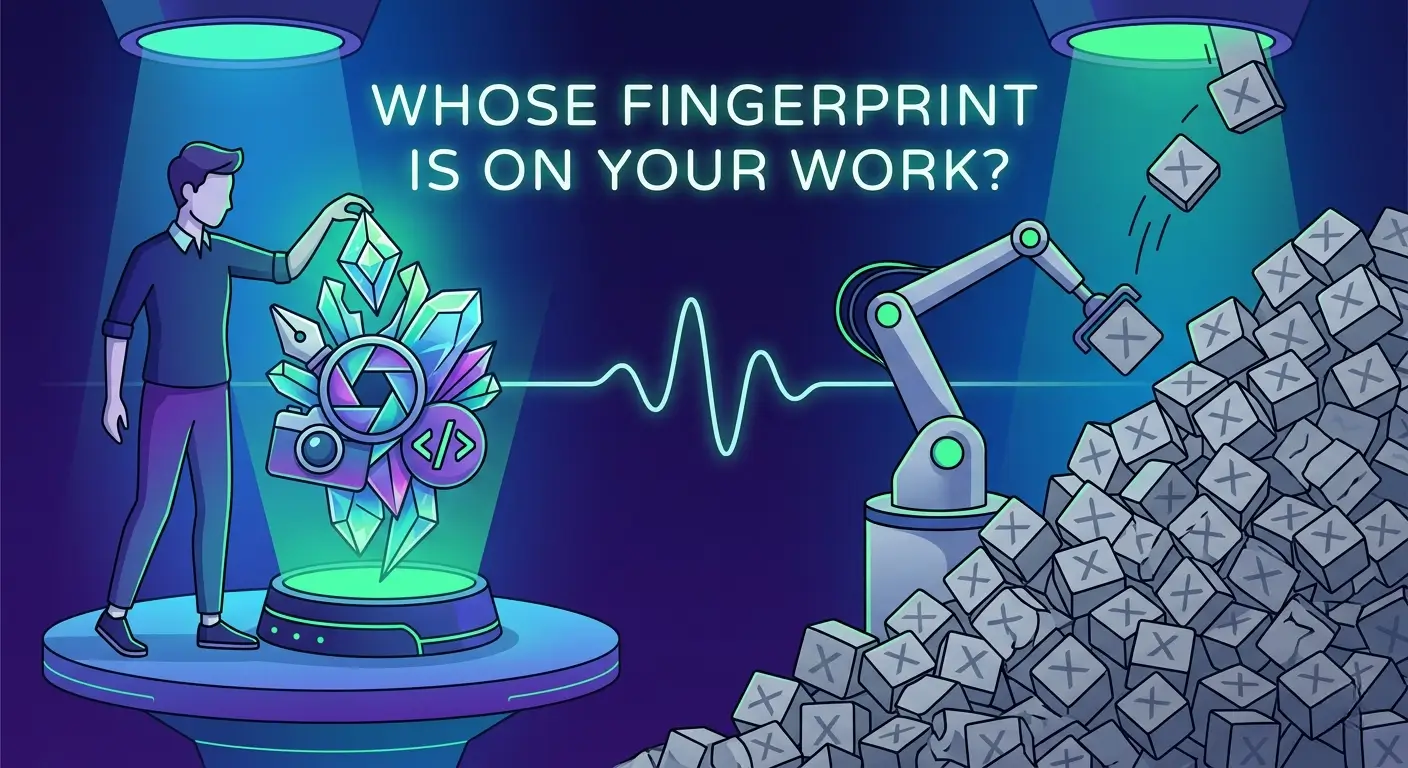
AI tools for freelancers work best as a thinking aid – for outlines, rough drafts, and editing support. The trap is handing over your whole workflow. Use AI to go faster, but edit everything so it still sounds like you.
Everyone is talking about AI right now. And most of that talk sounds either like “this will replace you” or “just use it for everything.” Both are wrong, and both are unhelpful.
The real issue is that most freelancers – writers, designers, consultants, developers – are either scared to touch AI, or they’re using it in ways that will quietly damage their reputation with clients. Neither extreme works.
In this guide you’ll get a clear picture of what AI tools are actually useful for, where they fall short, and a 3-step approach to using them without turning your work into generic slop. By the end, you’ll know how to work faster while keeping the one thing clients actually pay for: you.
What AI actually is (and isn’t) for freelancers
This guide covers everything about ai tools for freelancers. Whether you are comparing options or looking for a detailed review, we break down the best ai tools for freelancers options so you can decide with confidence.
Let’s keep this simple. AI writing tools – ChatGPT, Claude, Gemini, whatever you prefer – are good at one thing: producing plausible text fast. They have absorbed an enormous amount of written content, so they can mimic structure, tone, and format reasonably well. That is useful for a freelancer.
What they can’t do is know your client, your niche experience, your specific opinion, or the context behind a project. That’s the part clients hire you for. So treating AI as a ghostwriter who handles everything is a fast track to mediocre work and clients who stop coming back.
That third number is the one that should make you pause. Almost half of clients can tell when copy hasn’t been touched after the AI generated it. That means the freelancers who just paste and send are quietly building a reputation they don’t want.
The two traps are pretty predictable once you see them. The first is over-reliance – letting AI write everything and just doing a light cleanup. Your output starts to sound the same as everyone else’s, and clients notice. The second trap is ignoring AI entirely out of principle. That’s fine as a personal choice, but it means spending twice as long on tasks where AI would genuinely help – and competing with people who aren’t doing that.
The sweet spot is treating AI the way you’d treat a junior assistant: useful for the grunt work, but you stay in charge of the actual thinking.
How to use AI the right way
Here’s a workflow that works in practice. It’s not about using AI for everything – it’s about using it at the right moments.
Use AI for structure, not content
Paste your rough notes into ChatGPT or Claude and ask it to give you an outline. That’s it. You’re not asking it to write anything – just to organize your thinking into a logical flow.
This saves around 30 minutes of staring at a blank page trying to figure out where to start. That blank-page paralysis is real, and it’s one of the biggest time drains for freelancers. AI kills it immediately.
The mistake most people make at this stage is asking AI to write the whole thing. The moment you do that, you’ve handed over the part that actually requires judgment – and you’ll spend more time fixing the output than if you’d just started writing.
Use AI for first drafts, not final copy
Once you have your outline, you can ask AI to fill in a rough draft. A rough draft – not finished work. The value here isn’t in the quality of the output, it’s that you now have something to react to. It’s much easier to edit bad writing than to create good writing from nothing.
Read the draft and rewrite every paragraph in your own words. Not some of them – all of them. Add your actual opinions, cut anything vague, and inject the specific details you know that AI doesn’t.
The practical rule: if you wouldn’t feel comfortable telling your client “I wrote every word of this,” don’t send it.
Always edit with your own voice
Read the draft out loud. Every sentence that sounds stiff, generic, or like it came out of a textbook – rewrite it. Your voice is what makes your work recognizable, and it’s what gets you repeat clients and referrals.
AI has a default style. It tends to hedge, over-explain, and use a lot of connective phrases that sound fine but say very little. That style is not your style, and it shouldn’t be.
This step is also where tools like Grammarly earn their keep – not for AI writing, but for catching awkward phrasing after you’ve rewritten the draft in your own words.
AI tools worth using as a freelancer in 2026
There are a lot of options and most of them overlap. Here’s an honest look at the four that actually get used in day-to-day freelance work.
| Tool | Best for | Free plan | Honest weakness |
|---|---|---|---|
| ChatGPT Plus | Drafts, brainstorming, outlines | Yes (limited) | Output is generic without detailed prompting |
| Notion AI | Writing workflows, notes, project docs | No | Only useful if you already work in Notion |
| Grammarly | Editing, tone, clarity checks | Yes | Suggestions can flatten your personal style |
| Otter.ai | Transcribing client calls, meeting notes | Yes (300 min/mo) | Accuracy drops with accents or background noise |
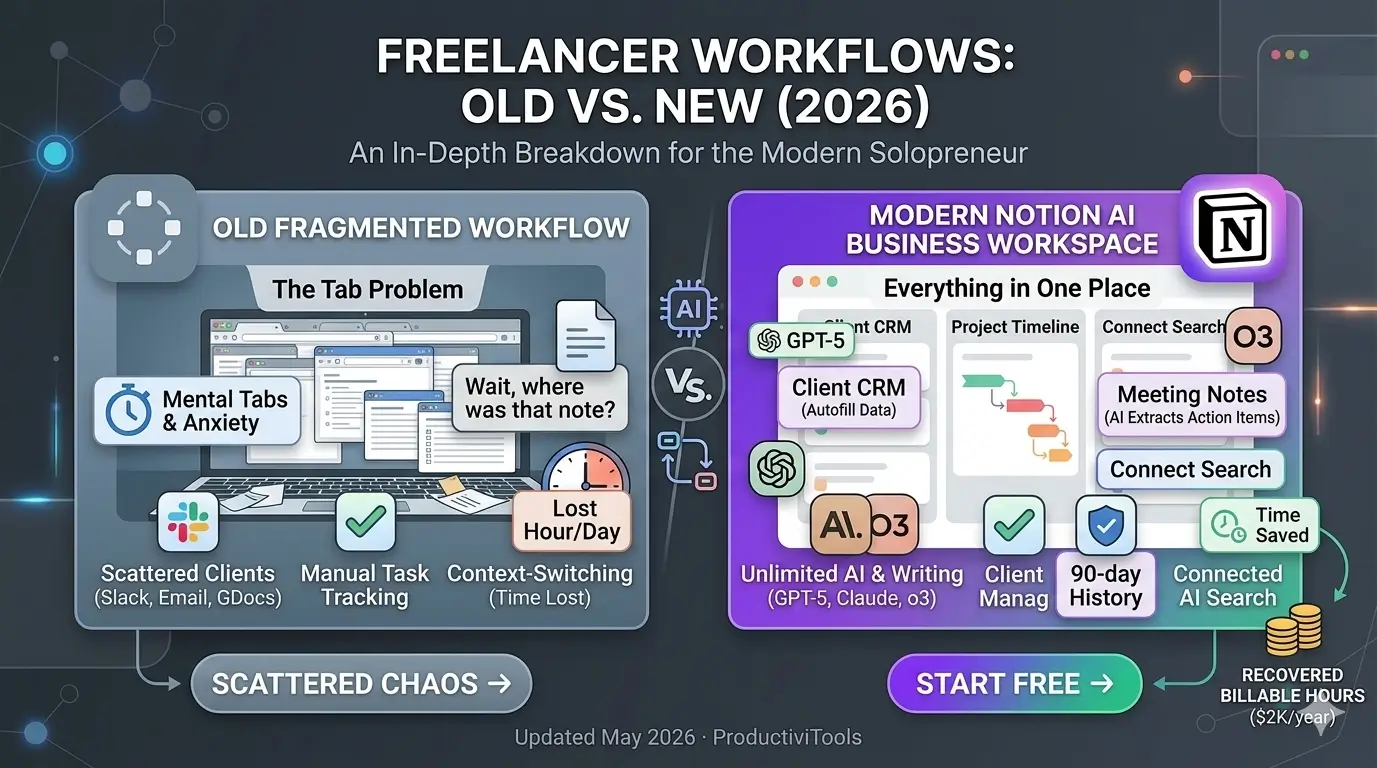
Notion AI is the strongest option if your writing and project work already live in Notion – it integrates directly into your workspace so you’re not context-switching between tools. Read our Notion AI review for a full breakdown of what it does well and where it falls short for freelancers.
Grammarly is worth having for the editing phase, but use it carefully. Its tone and rewrite suggestions can sand down the edges that make your writing distinctive. Accept changes selectively. See our Grammarly review if you want to know exactly which features are useful and which you can ignore.
ChatGPT Plus is the most flexible, but it needs good prompting to give you anything useful. Vague inputs produce vague outputs. The more context you give it – your audience, the goal of the piece, your rough notes – the better the result.
Otter.ai is the one tool in this list that most freelancers overlook. If you do client calls, it saves a lot of time. Having an automatic transcript means you don’t have to take notes during the call and you never argue with a client about what was agreed.
FAQs
For more details, check out AI writing tools to explore your options.
How to get started with ai tools for freelancers in 2026
Getting started with ai tools for freelancers does not have to be overwhelming. The key is to begin with one tool, learn it well, and then expand your toolkit gradually. Many freelancers make the mistake of trying to adopt every ai tool at once, which leads to confusion and wasted time.
Start by identifying your biggest bottleneck. If writing takes too long, start with an AI writing assistant. If you spend hours on client communication, look into AI email tools. If research is your slowest task, try an AI research tool. The best ai tools for freelancers are the ones that solve your actual problems, not the ones with the most features.
Once you pick your first ai tool for freelancers, spend at least two weeks using it consistently before judging its value. Most ai tools have a learning curve, and the real productivity gains come after you understand how to prompt them effectively and integrate them into your workflow.
Common mistakes freelancers make with AI tools
Even experienced freelancers fall into traps when using ai tools for freelancers. The most common mistake is using AI output without editing. Clients can often tell when content is fully AI-generated, and it can damage your reputation. Always add your own perspective, examples, and voice to anything an AI produces for you.
Another mistake is over-relying on ai tools for freelancers for tasks that require human judgment. Things like pricing your services, handling difficult client conversations, or making strategic business decisions should remain in your hands. AI is a tool, not a business partner.
Finally, many freelancers forget to update their skills as ai tools evolve. The best ai tools for freelancers today may be different from the best tools in six months. Stay curious, keep experimenting, and be willing to switch tools if something better comes along.
The future of ai tools for freelancers
The landscape of ai tools for freelancers is changing rapidly. New models are being released every few months, and capabilities that seemed impossible two years ago are now standard features. Freelancers who embrace this change and learn to work with ai tools effectively will have a major competitive advantage.
In the next few years, we will likely see ai tools for freelancers that can handle entire project workflows from brief to delivery with minimal human input. This does not mean freelancers will become obsolete. It means the value of human creativity, judgment, and relationship-building will increase. The freelancers who thrive will be those who use ai tools to handle the repetitive work while focusing their energy on the things only humans can do.
If you are still on the fence about adopting ai tools for freelancers, consider this: your competitors are already using them. Starting now, even with just one tool, puts you ahead of freelancers who are waiting to see how things develop.
Frequently asked questions
Why is ai tools for freelancers important for freelancers?
Understanding ai tools for freelancers is essential for staying competitive. The best ai tools for freelancers options in 2026 help freelancers save time, impress clients, and grow their income without working more hours.
What makes a good ai tools for freelancers?
A good ai tools for freelancers should be easy to use, affordable, and reliable. The best ai tools for freelancers options in 2026 offer strong integrations and excellent support for freelancers.
How to choose the right ai tools for freelancers?
Choosing the right ai tools for freelancers starts with your workflow needs. Look for ai tools for freelancers tools that offer a free trial so you can test before committing. The top ai tools for freelancers picks on this list all have free tiers.
Is ai tools for freelancers worth the investment?
Yes, finding the best ai tools for freelancers is worth the investment. Top ai tools for freelancers tools save freelancers 5+ hours per week, which quickly pays for itself in client hours recovered.
Final thoughts
AI tools are genuinely useful for freelancers – not as a replacement for your skills, but as a way to remove the friction from tasks that eat up time without adding value. Structure, rough drafts, call transcriptions, editing support: these are all legitimate uses that free you up to do the work that actually matters.
The freelancers who will get the most out of AI are the ones who stay in control of the process. Use it to move faster, then spend that saved time on better thinking, better edits, and stronger client relationships.
If you want a broader look at what’s actually worth paying for, we’ve put together a roundup of the best AI tools for freelancers with honest assessments of cost, use cases, and what to skip.