
The Freelance Workflow That Lets You Take More Clients Without Working More Hours
· ProductiviTools
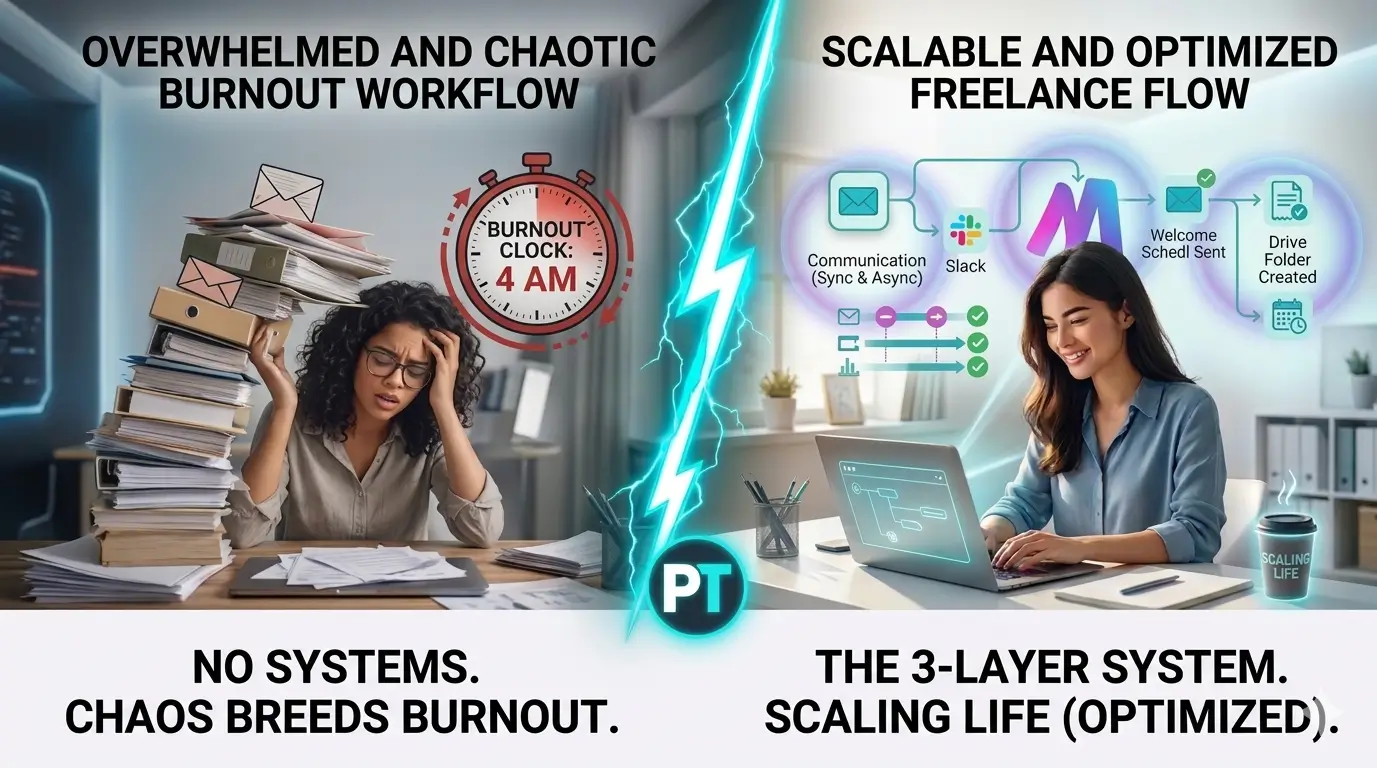
A scalable freelance workflow has three layers: communication (one place for all client messages), delivery (a repeatable process from kickoff to handoff), and admin (automated invoicing, templates, scheduling). Set those three up once and your workload can double without your hours following.
Picture this: you land two new clients in the same month. Revenue goes up, great. Then the emails pile up. You forget which project is in which stage. You send an invoice late, miss a follow-up, and work until midnight three nights in a row. By the end of the month you have more money and less energy than before.
That is not a capacity problem. That is a system problem. And it is the most common trap freelancers fall into when they grow.
In this guide you will learn the three layers every working freelance system needs, the most common mistakes people make at each layer, and the minimum set of tools to hold it all together. By the end you will have a clear picture of what to build – and what to skip.
Why most freelance workflows fall apart
Looking for the best freelance workflow that scales information? This guide gives you everything you need. We cover the top choices for freelance workflow that scales based on real testing, so you can pick the right option with confidence.
This guide covers everything about freelance workflow. Whether you are comparing options or looking for a detailed review, we break down the best freelance workflow options so you can decide with confidence.
This guide covers everything about freelance workflow — we tested and reviewed the best options so you can make the right choice. Whether you’re just starting out or looking to upgrade, you’ll find the answers about freelance workflow you need here.
A workflow is not a tool. It is a set of decisions you make once so you do not have to make them over and over again. “How do I send a project update?” is a workflow decision. “Where do I track revision requests?” is a workflow decision. Every time you answer those questions on the fly, you burn mental energy that could go toward actual work.
There are two failure modes, and both are equally painful. The first is having no system at all – you run everything in your head, in a mix of chat apps, sticky notes, and inboxes. Works fine at two clients. Breaks badly at five. The second failure mode is the over-engineered system: you spend a weekend setting up a 47-step Notion database with automations and color codes, use it for one project, then go back to your inbox because it is too much overhead.
“A system that runs perfectly but that you hate using will be abandoned in 3 weeks.” The best workflow is the simplest one you will actually stick to.
The goal is not the most sophisticated setup. It is the most durable one. That means three layers, built in order, with as few tools as possible.
Building the 3 layers of a freelance workflow that scales
The communication layer – one place for everything
What to do: pick one primary channel for each client and enforce it from day one. For most freelancers that means email for async updates and a shared Slack channel (or a project thread) for quick back-and-forth. That is it. Two channels max per client, and only one of them gets used for decisions.
Why it matters: when a client reaches you on three platforms simultaneously, things fall through cracks. You answer the WhatsApp message but miss the email attachment. You respond on Instagram but forget to follow up. Scattered communication does not just waste time – it creates actual errors and missed deliverables.
The most common mistake: letting clients dictate how they reach you. It feels polite to be available everywhere. It is not. It is a setup for confusion on both sides. The client does not know where to expect responses, and you spend 20 minutes each morning triage-ing five platforms.
The delivery layer – the same steps every time
What to do: map the steps from “client signed” to “final file delivered” and make that a template. Kickoff call, first draft, client review, revision round, final delivery, invoice. Whatever your version looks like, write it down and duplicate it for every new project. Tools like Notion or ClickUp are good for this – you create one project template and clone it each time.
Why it matters: every time you treat a new project like a blank canvas, you make the same set of micro-decisions all over again. What do I send first? When do I follow up? How many revisions are included? Consistency removes that cognitive load and dramatically reduces errors. Clients also feel more confident when they see a clear process rather than a freelancer figuring it out as they go.
The most common mistake: assuming your projects are all too different to systemize. They are not. The creative work is different. The logistics are almost identical every time. Kickoffs, check-ins, feedback rounds, invoices – all of that can be templated.
If you want to compare project management options before committing to one, the breakdown in best project management tools for freelancers covers the main choices clearly.
The admin layer – automate what doesn’t need you
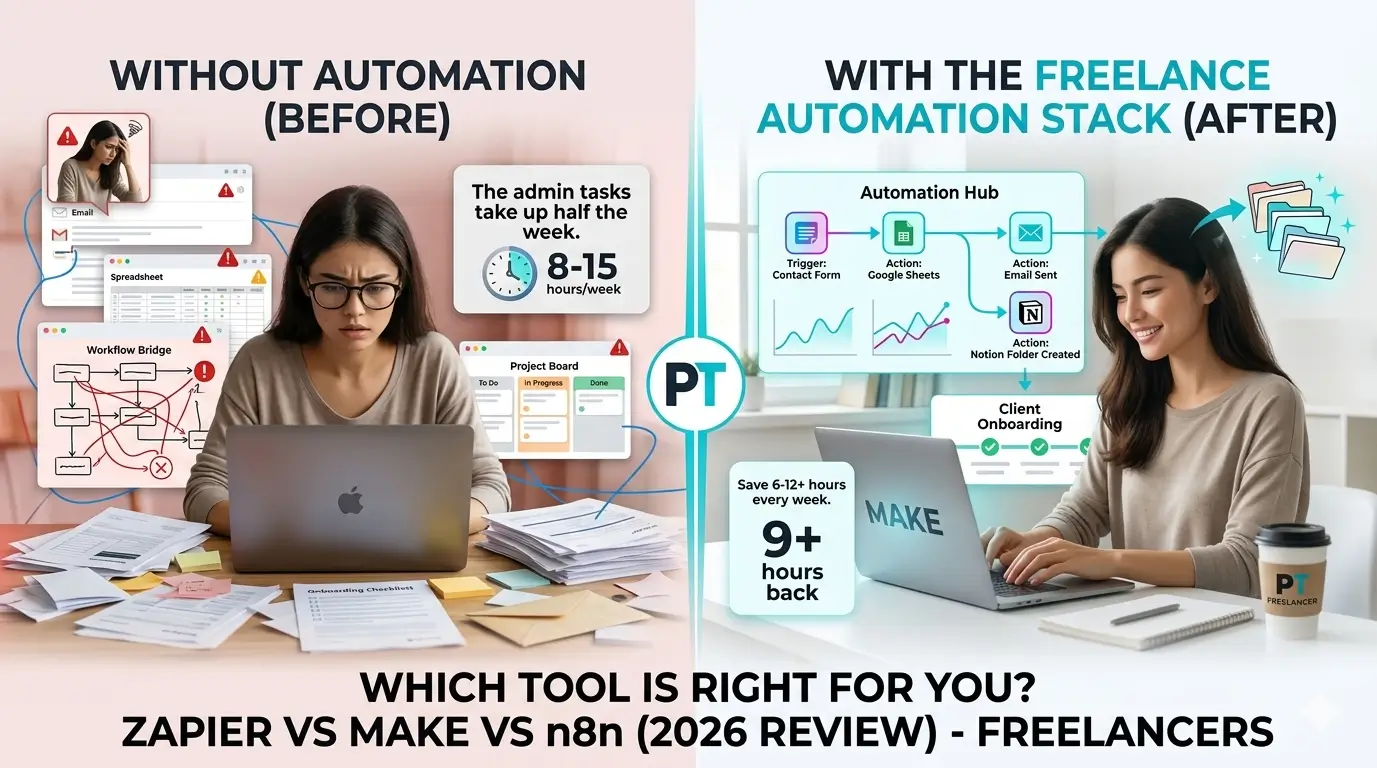
What to do: identify everything in your week that is not billable work and ask whether it needs a human. Sending invoices, scheduling social posts, following up on unsigned contracts, sending “your payment is due” reminders – most of this can run on autopilot. Tools like Zapier or Make can connect your project tracker to your invoicing tool, trigger emails automatically, and notify you only when something needs a decision.
Why it matters: admin is the first thing that expands to fill available time. “It only takes 5 minutes” is the most expensive lie in freelancing. Sending one follow-up email takes 5 minutes. Doing it 50 times across clients and projects every month takes 4 hours – hours that could be client work, rest, or building something new.
The most common mistake: doing admin manually out of habit and calling it a preference. There is nothing virtuous about manually chasing invoices. It is just friction you have normalized.
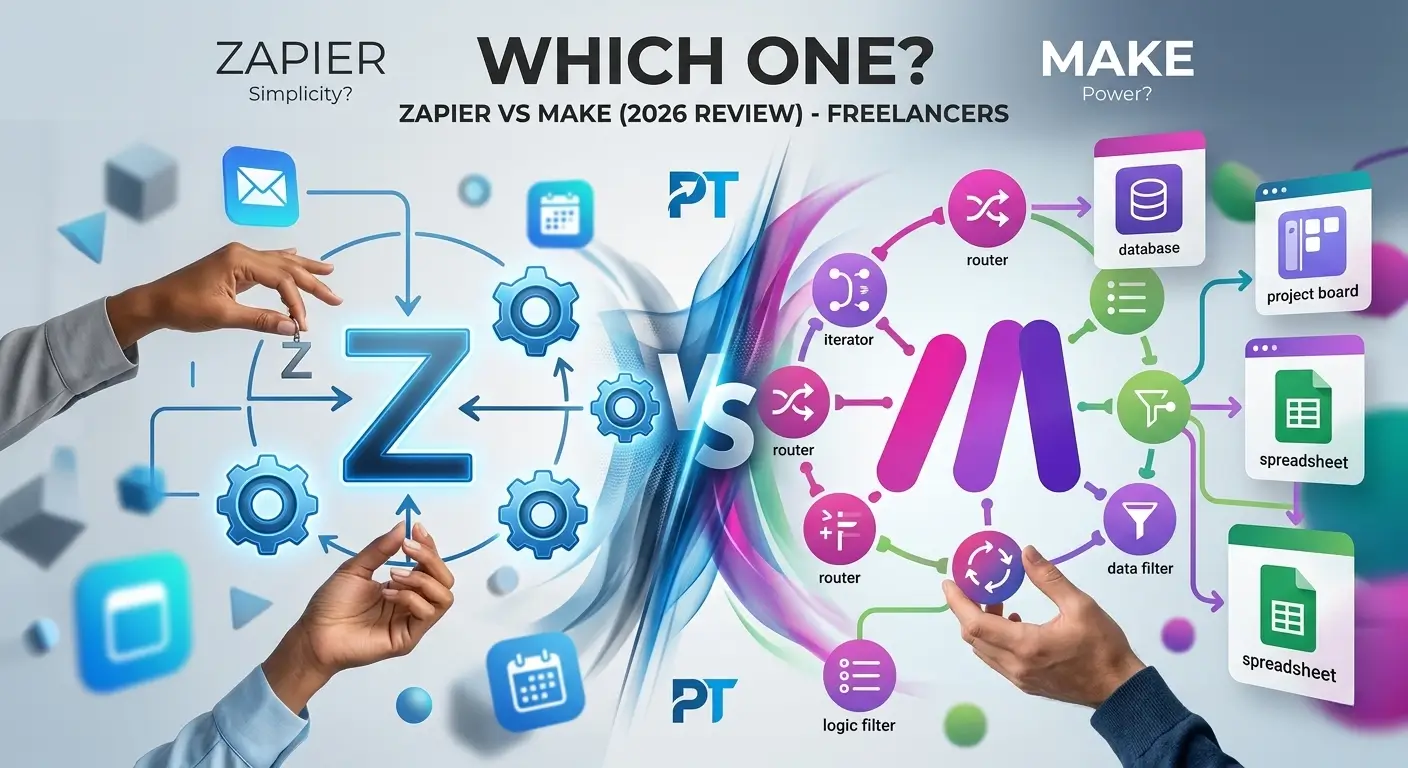
For a head-to-head look at the two main automation tools, Zapier vs Make for freelancers walks through the differences honestly – including where each one falls short.
The minimum viable tool stack
You do not need 12 apps. You need four – one per layer, plus writing. Here is what that looks like in practice.
| Layer | Tool | What It Handles | Free Option |
|---|---|---|---|
| Communication | Slack or email | All client messages and decisions | Yes |
| Delivery | Notion or ClickUp | Project tracking and templates | Yes |
| Automation | Zapier or Make | Connecting tools, triggering actions | Yes |
| Writing | Grammarly | Client-facing copy, proposals, emails | Yes |
A few notes on each. For communication, email alone works fine if you are diligent. Slack adds speed but also adds another inbox to manage – use it only if your clients are already on it. For delivery, both Notion and ClickUp have solid free tiers. Notion is more flexible; ClickUp has more built-in structure. Pick based on which one you will actually open every day.
The automation row is highlighted because it is the highest-leverage addition most freelancers delay the longest. Even five basic automations – invoice triggers, project kickoff emails, reminder sequences – can easily recover 3-4 hours a week. The full comparison is in best automation tools for freelancers if you want to see what else is worth adding later.
On writing – client-facing communication is part of your product whether you write for a living or not. Proposals, update emails, and contract language all carry your credibility. Grammarly catches the errors that slip through when you are rushing. The Grammarly review for freelancers covers whether the paid upgrade is worth it (short answer: depends on volume). And if you want to go further, best AI tools for freelancers includes writing assistants that do more than just grammar.
Is your workflow actually working?
Your workflow is working if…
You can take on a new client without changing how you operate. Projects move through the same stages every time. You rarely wonder where something stands. Admin happens automatically or on a fixed schedule.
Keep it, resist adding tools
Your workflow needs fixing if…
You have missed a follow-up in the last 30 days. You are manually chasing invoices. You check 3+ platforms to catch client messages. Onboarding a new client feels like building something from scratch.
Start with Layer 1 first
For more information, visit project management tools to compare options and find what works best for your freelance workflow.
Tools that support a freelance workflow that scales
The right tools make a massive difference when you are trying to build a freelance workflow that scales. Without the right tools, you will end up doing the same manual tasks over and over, wasting hours every week that could be spent on client work or business development.
Project management tools like Asana or Trello help you track every client project in one place. When you have five or more clients running simultaneously, having a clear overview of what needs to be done and by when is essential. A freelance workflow that scales needs this kind of visibility built in from the start.
Time tracking tools help you understand where your hours are actually going. Many freelancers are surprised to discover they are spending 30 percent of their time on admin tasks rather than billable work. Once you see the data, you can make smart decisions about what to automate or eliminate.
Communication tools with templates and saved responses cut down on repetitive writing. Every freelancer answers the same client questions dozens of times. Building a library of professional responses you can customize quickly is one of the simplest ways to free up time in your freelance workflow that scales.
Finally, invoicing and contract tools remove the awkward manual process of chasing payments. A freelance workflow that scales automates as much of the financial admin as possible so you can focus on doing great work rather than managing paperwork.
Frequently asked questions
Why is freelance workflow that scales important for freelancers?
Understanding freelance workflow that scales is essential for staying competitive. The best freelance workflow that scales options in 2026 help freelancers save time, impress clients, and grow their income without working more hours.
How to get started with freelance workflow that scales?
Getting started with freelance workflow that scales is easier than most freelancers think. Start with a free trial of the top freelance workflow that scales options, test for one week, and upgrade only if it genuinely saves you time and impresses clients.
What do experts say about freelance workflow that scales?
Most productivity experts agree that freelance workflow that scales is a worthwhile investment for serious freelancers. The right freelance workflow that scales choice can add hours back to your week and significantly improve client satisfaction.
What is the best freelance workflow that scales?
The best freelance workflow that scales in 2026 combines ease of use, solid features, and fair pricing. After testing multiple options, the top picks for freelance workflow that scales stand out for freelancers who need reliability without complexity.
How do I find the right freelance workflow that scales?
Finding the right freelance workflow that scales starts with identifying your core needs. The best freelance workflow that scales options offer free trials, so you can test before committing. Look for freelance workflow that scales tools with strong user reviews and responsive support.
Is investing in freelance workflow that scales worth it?
Yes, finding a quality freelance workflow that scales is absolutely worth it. The right freelance workflow that scales saves freelancers hours every week and helps maintain a professional image with clients. Top freelance workflow that scales options typically pay for themselves within the first month.
What is the best freelance workflow?
The best freelance workflow depends on your specific needs and budget. The top choices for freelance workflow in 2026 are well-tested and offer great value for solo freelancers and small teams.
How do I choose the right freelance workflow?
Choosing the right freelance workflow means looking at ease of use, pricing, and integrations. The best freelance workflow for beginners is usually the simplest one that covers your core needs without overwhelming features.
Is freelance workflow worth it in 2026?
Yes, investing in the right freelance workflow is absolutely worth it in 2026. The best freelance workflow options pay for themselves quickly through time saved and improved client relationships.
Build it once, use it forever
The freelancers who burn out are not usually the ones who work the most. They are the ones who keep rebuilding the same infrastructure every time they land a new client. Every project starts from zero. Every admin task gets done by hand. Every communication channel is different. That is exhausting in a way that has nothing to do with the actual work.
Three layers. Communication, delivery, admin. Each one set up once, refined over time, never rebuilt from scratch. That is the difference between a freelance business that grows and one that just gets louder.
Start with communication today – it is the fastest layer to fix and the one with the most immediate payoff. Then build the delivery layer before your next new project starts. By the time admin starts dragging on you, the other two layers will already be saving you enough time to address it properly.
If you want a head start on the tools, the guide to best project management tools for freelancers is a good first stop for the delivery layer.