You’re Using the Wrong Project Management Tool. Here’s How to Find the Right One
8 min read | Updated June 2026 · ProductiviTools

The best project management tool for freelancers is the simplest one that covers your real needs – not the one with the most features. Start with one real project, give it 30 days, and only switch if it genuinely fails you.
You’ve done this before. You download a new project management app, spend an afternoon setting it up, use it for three weeks, then slowly drift back to a sticky note on your monitor. A year later you try another one. Same result.
If that sounds familiar, you’re not disorganized – you just picked the wrong tool. Most project management software is designed for teams with managers, departments, and weekly standups. When you’re a solo freelancer juggling three clients and a deadline on Thursday, that kind of tool doesn’t help you. It slows you down.
In this guide, you’ll learn how to figure out what you actually need, how to test a tool without wasting a full day on setup, and which tools are genuinely worth trying in 2026. By the end, you’ll have a clear path to one tool you actually open every morning.
Why freelancers keep abandoning PM tools
Looking for the best project management tool for freelancers information? This guide gives you everything you need. We cover the top choices for project management tool for freelancers based on real testing, so you can pick the right option with confidence.
It’s not a willpower problem. It’s a fit problem. Most freelancers try tools that were built for 10-person teams and then wonder why managing their own client work feels so complicated.
Team tools come loaded with features for assigning tasks to colleagues, setting up approval flows, running reports for managers. None of that applies when you’re the entire company. But the interface still has all those buttons, and they add up to noise that makes the tool harder to use for the one thing you actually need: knowing what to work on next.
Picking a team tool for solo work is like buying a 15-seat van to drive yourself to the grocery store. Technically it works, but it’s way more vehicle than you need.
The fix isn’t trying harder – it’s choosing differently. You need a tool that matches your actual workflow, not one that forces you to build a workflow around it. That starts with knowing what you’re actually trying to track.
How to choose the best project management tool for freelancers
Most people approach this backwards. They look at tool reviews first, pick something popular, and then try to figure out how it fits their work. Flip that around and the whole process gets a lot easier.
Count your real needs first
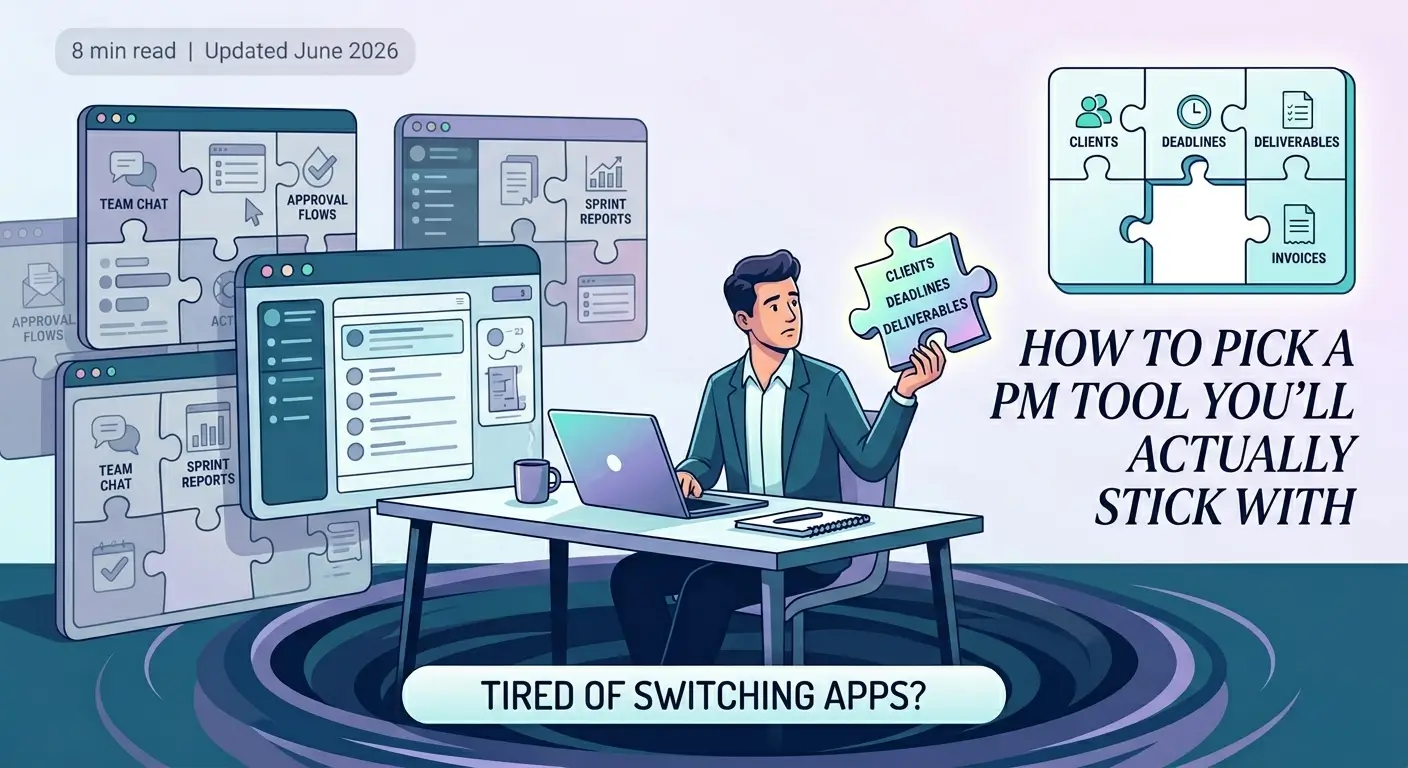
Before you look at a single tool, write down the five things you actually need to track. For most freelancers it comes down to clients, deadlines, deliverables, invoices, and communication. That’s it. Not sprint velocity or team capacity – just those five things.
Every feature beyond that is a feature you’ll have to look at every day without ever using it. Features you don’t use don’t just sit there quietly – they create clutter, they slow down the interface, and they make you feel like you’re not using the tool “correctly” even when you are.
Test with one real project first
Don’t migrate your entire client list on day one. Pick one active project – something with a deadline, deliverables, and client communication – and run it through the new tool for two weeks. Real-world use reveals problems that no tutorial or demo will ever show you.
You’ll quickly find out whether the tool matches how you think about work. Does adding a task feel fast or awkward? Can you find what you need in three seconds or does it take five clicks? Does the mobile app actually work? These things matter more than the feature list on the pricing page.
Give it 30 days, no switching
Every new tool feels awkward in week one. You’re still learning where things live, muscle memory hasn’t kicked in yet, and it takes a little longer than your old system. That friction is completely normal and it usually disappears by week two.
If you switch tools the moment things feel clunky, you’ll never get past week one with anything. You’ll keep restarting that awkward phase indefinitely. The 30-day rule gives a tool enough time to actually prove itself – or fail you honestly.
The 30-day rule: if you still hate it after 30 days of real use, then switch. Not before. One month of consistent use is enough to know whether a tool is a bad fit or just unfamiliar.
Keep your setup simple
Use the smallest feature set that covers your needs. One workspace, one board per client or project, tasks with due dates – that’s a complete setup for most freelancers. You don’t need sub-tasks inside sub-tasks or color-coded priority matrices.
Complexity is the main reason freelancers abandon tools. Not because the tool is bad, but because they built a system so elaborate that maintaining it became a second job. The best project management tool is the one you actually open every morning without dreading it.
Finding the right project management tool for freelancers doesn’t have to be complicated. Whether you’re a solo developer, writer, or designer, there’s a project management tool that fits your workflow. The key is matching the tool to how you actually work, not forcing yourself to adapt to it.
Tools worth trying
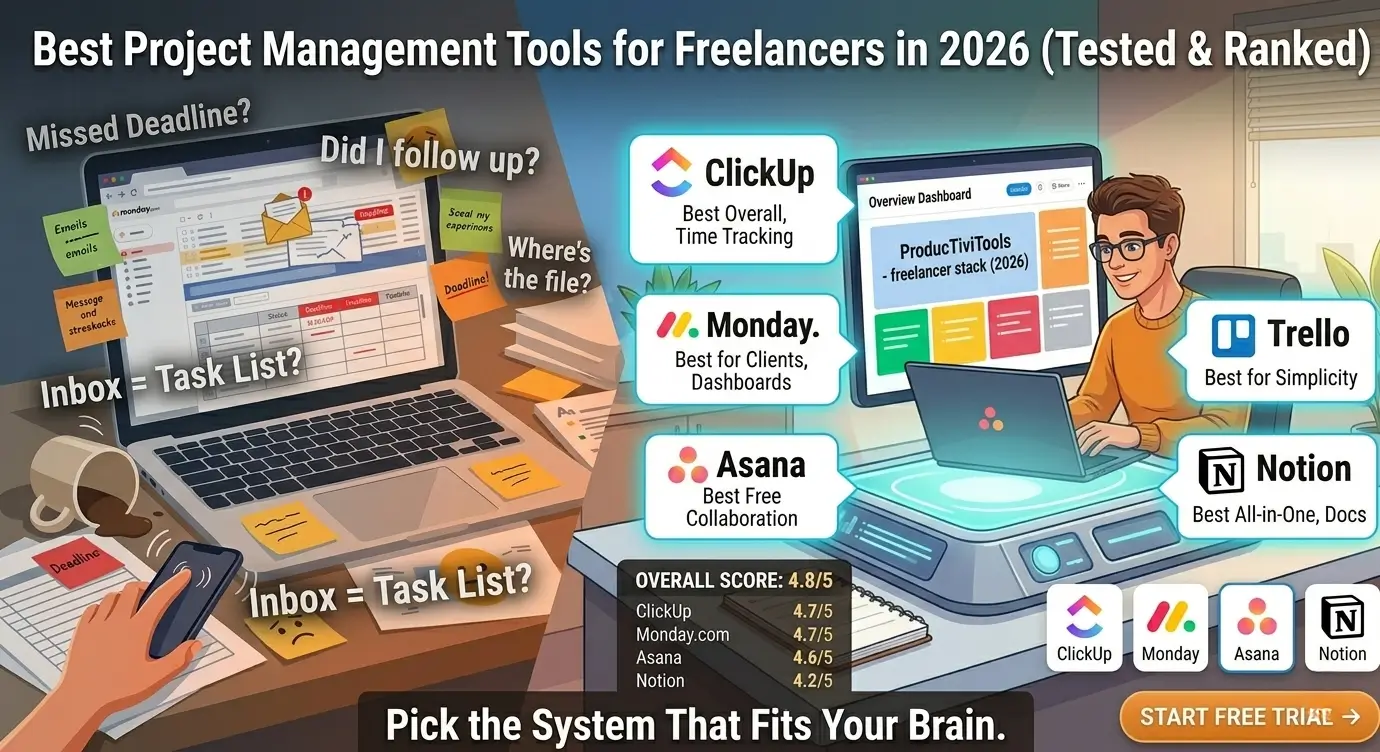
There are dozens of project management tools out there. Most aren’t worth your time as a freelancer. These five are genuinely solid, all have free plans, and each has a different sweet spot. Here’s an honest look at where each one wins and where it falls short.
| Tool | Best For | Free Plan | Honest Weakness |
|---|---|---|---|
| ClickUp | Power users managing complex projects | Yes | Overwhelming for beginners – too many options |
| Asana | Freelancers who track tasks across clients | Yes | Free plan limits reporting and timeline view |
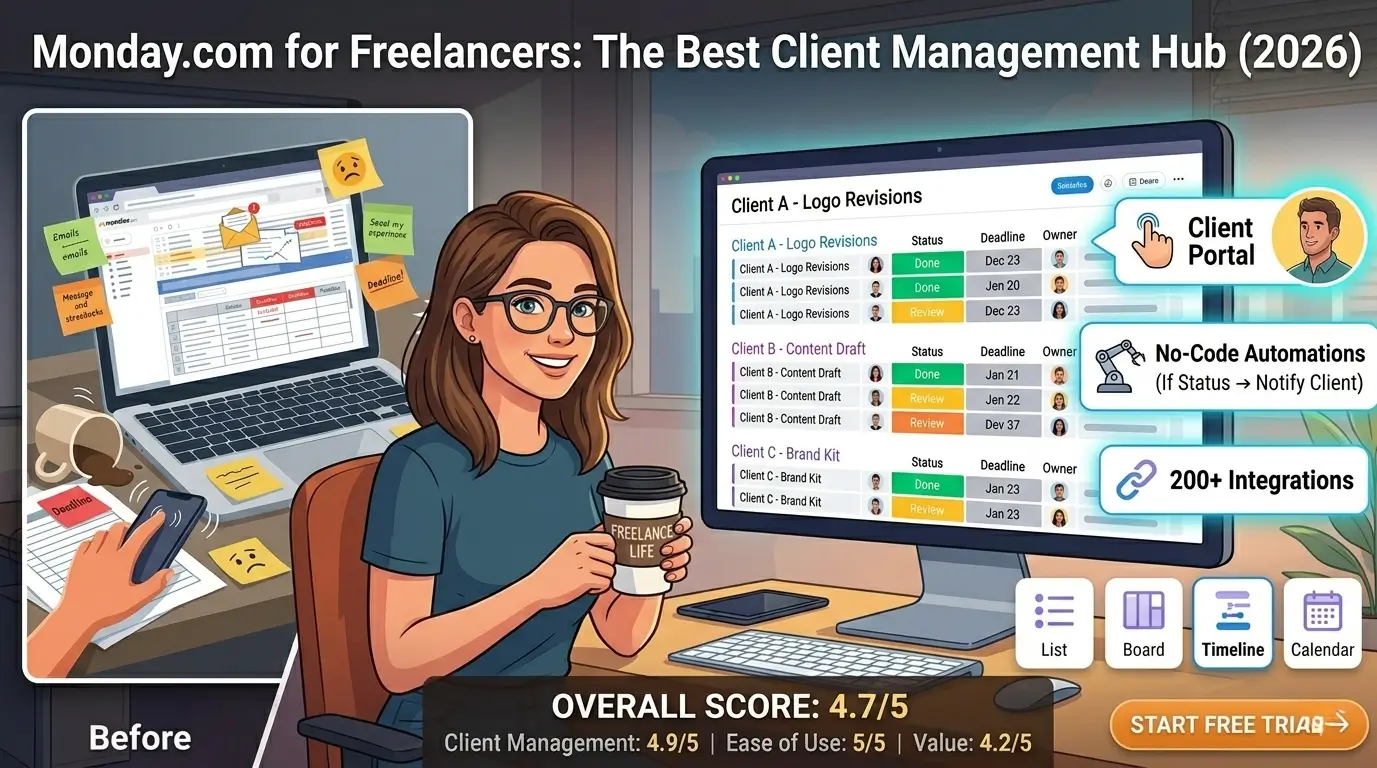
| Monday.com | Visual thinkers who love colored boards | Limited | Gets expensive fast and can feel over-engineered |
| Notion | Freelancers who want docs + tasks in one place | Yes | Requires effort to build – not plug-and-play |
| Trello | Solo freelancers who want simple kanban boards | Yes | Too basic once you scale beyond a few clients |
Trello wins on simplicity – it’s the easiest tool to start with if you’ve never used a PM app before. ClickUp wins for power users who actually need automation, custom dashboards, and deep project tracking. If you’re not sure, start with Trello and upgrade only if you hit a real limitation. You can read a full breakdown in the best project management tools for freelancers guide or check the ClickUp vs Asana comparison if you’re deciding between those two.
Not sure which one fits your situation? These cards should help narrow it down.
You want simple
You have 2-3 clients and just need to know what’s due and when. No time to learn a complicated system.
Start with Trello
You manage 5+ clients
You have a lot of moving parts – deliverables, deadlines, and communication across multiple accounts.
Try ClickUp or Asana
You love visual boards
You think in columns – to do, in progress, done – and want something that feels clean and color-organized.
Try Trello or Monday.com
You track time too
You bill by the hour and want your tasks and time tracking in the same place without switching apps.
Try ClickUp or Notion
Project management tool for freelancers: common mistakes to avoid
Even after choosing the right project management tool for freelancers, many people make avoidable mistakes that limit its effectiveness. The most common mistake is setting up the tool once and never updating it. A project management tool for freelancers only works if it reflects your actual workload at all times. If you stop maintaining it, it becomes another app you feel guilty about not using.
Another mistake is using a project management tool for freelancers the same way a large team would use it. As a freelancer, you do not need complex permission systems, department-level hierarchies, or lengthy approval workflows. The best project management tool for freelancers is one set up for a single person who needs clarity, not corporate structure. Keep it simple and focused on what you actually need to track.
Many freelancers also make the mistake of choosing a project management tool for freelancers based on features they think they might use someday rather than features they need today. The result is an overly complex setup that takes more time to maintain than it saves. Start with the simplest project management tool for freelancers that handles your immediate needs, then upgrade if you genuinely outgrow it.
Finally, avoid using your project management tool for freelancers as a place to store information you will never look at again. Keep only active projects and current tasks visible. Archive completed work regularly so your dashboard stays clean and useful. A cluttered project management tool for freelancers creates the same mental overhead as a cluttered desk.
Getting the most value from your project management tool for freelancers
To get the maximum value from your project management tool for freelancers, build a weekly review habit. Every Monday morning, spend 15 minutes reviewing your open projects, checking upcoming deadlines, and updating task statuses. This weekly ritual keeps your project management tool for freelancers accurate and ensures nothing falls through the cracks.
Connect your project management tool for freelancers with the other apps you use daily. Most modern tools integrate with email, calendar, time tracking, and invoicing software. When your project management tool for freelancers sits at the center of your workflow, information flows automatically between tools and you spend less time on manual updates.
Frequently asked questions
What is the best project management tool for freelancers?
The best project management tool for freelancers in 2026 combines ease of use, solid features, and fair pricing. After testing multiple options, the top picks for project management tool for freelancers stand out for freelancers who need reliability without complexity.
How do I find the right project management tool for freelancers?
Finding the right project management tool for freelancers starts with identifying your core needs. The best project management tool for freelancers options offer free trials, so you can test before committing. Look for project management tool for freelancers tools with strong user reviews and responsive support.
Is investing in project management tool for freelancers worth it?
Yes, finding a quality project management tool for freelancers is absolutely worth it. The right project management tool for freelancers saves freelancers hours every week and helps maintain a professional image with clients. Top project management tool for freelancers options typically pay for themselves within the first month.
What is the best project management tool for freelancers?
The best project management tool for freelancers depends on your workflow. ClickUp and Notion are top picks because they’re flexible enough to adapt to any project management style. A good project management tool for freelancers should handle task tracking, client communication, and deadlines in one place.
Do freelancers really need a project management tool?
Yes. A dedicated project management tool for freelancers helps you stay organized, meet deadlines, and avoid losing track of client work. Without a project management tool, most freelancers rely on scattered notes and emails — which kills productivity and professionalism.
How do I choose a project management tool for freelancers on a budget?
Look for a free or low-cost project management tool for freelancers that covers your core needs: task lists, deadlines, and file sharing. ClickUp and Trello both offer strong free plans that work well as a project management tool for freelancers just starting out.
The bottom line
There’s no perfect project management tool. There’s only the one that fits your actual workflow and that you’re willing to use consistently. For most freelancers, that’s a simpler tool than they expect – something that tracks clients, deadlines, and deliverables without requiring an instruction manual.
The process is straightforward: figure out what you actually need to track, pick a tool that covers those things, test it on one real project, and give it 30 days before deciding anything. That’s it. Most people who follow that process land on something they actually stick with.
If you want a deeper look before committing to anything, the full freelancer PM tool roundup covers all the major options with hands-on notes on each. No fluff – just what matters for solo work.